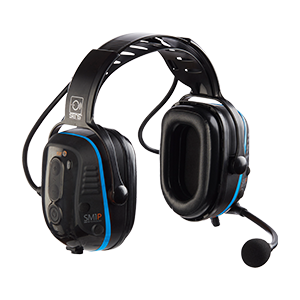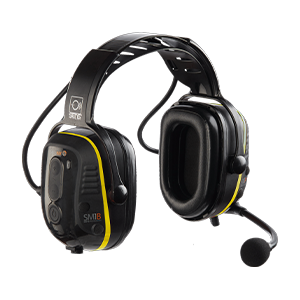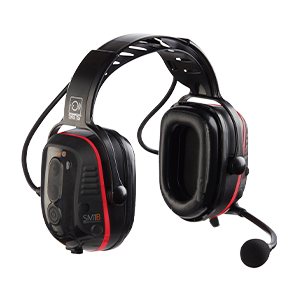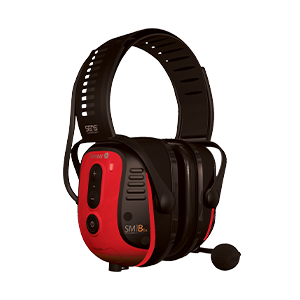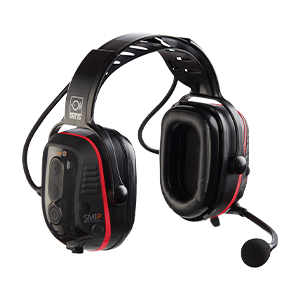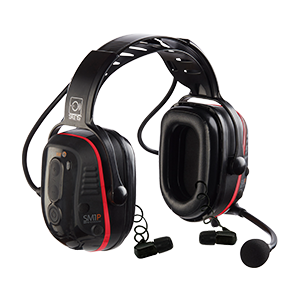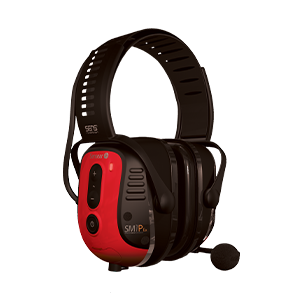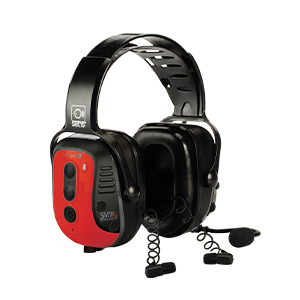
SmartHub App
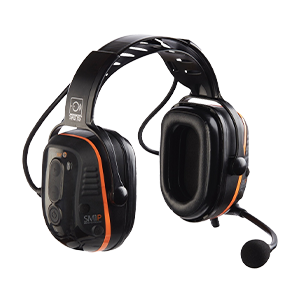
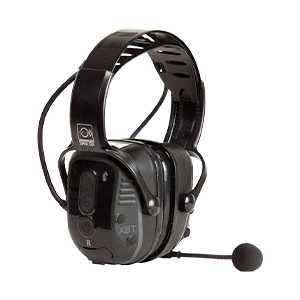
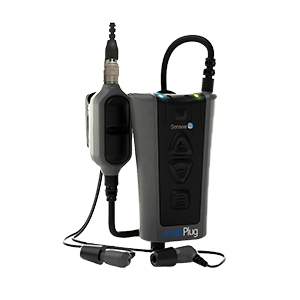
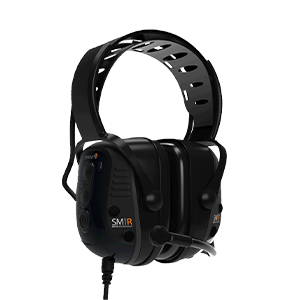
Program and manage Sensear devices with ease


1. View device information
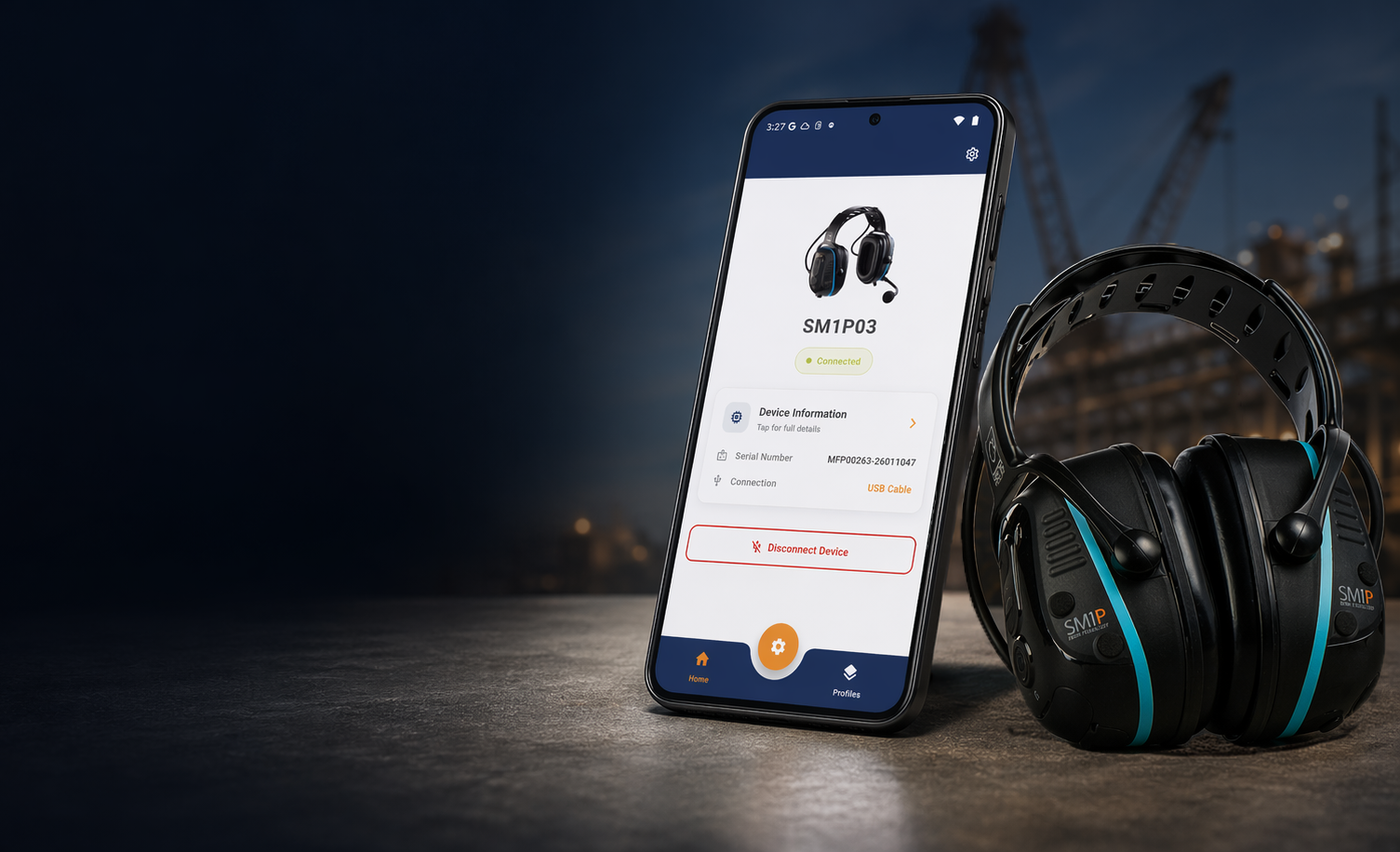
See key device details at a glance, including product type, serial number, PCA number, and firmware versions. The app also shows firmware by type, helping users quickly confirm what is installed on the connected device.

2. Check Firmware Status & Install Updates
SmartHub allows users to check whether firmware is up to date, identify available updates, and install updates directly through the app. Firmware status indicators make it easy to see what is current and what needs attention.

3. Customize Device Settings
The app provides access to configurable settings based on the connected headset, allowing users to adjust applicable features, levels, and communications settings through a simpler interface.

4. Manage Audio & Communication Settings
Depending on headset model, SmartHub supports configuration of settings such as:
| • SENS® Technology | • FM Radio |
| • Volume Limiter | • Short-Range |
| • Bluetooth® | • VOX |
| • Two-Way Radio | • Button Assignment |

5. Save & Reuse Headset Profiles
Users can create named profiles, save settings for future use, and load these profiles onto matching headset types. This makes SmartHub especially useful for repeatable setup, fleet consistency, and faster deployment.

6. Reset & Refresh Devices when Needed
SmartHub also provides reset options for reprogramming a device with the latest software or restoring the configuration profile to factory defaults.
See Our values
We build revenue-driving systems on HubSpot for businesses that are ready to grow - and keep on growing.

Firmware Visibility
View installed firmware versions and quickly check update status.

Simplified Programming
Access configurable settings in a cleaner, easier mobile interface.

Profile-Based Setup
Save, load, and update profiles for repeatable device configuration.

Portable Servicing
Bring programming and troubleshooting into the field with an Android device.

Supported-Device Detection
SmartHub detects compatible Sensear devices when connected.

Always-Current Software Workflow
Support cloud-connected firmware rollout and an up-to-date software database.